

How to Add Content
Any registered member can add to SKYDB — a missing building, a correction to a height, a photograph of a tower nobody has documented. This page explains what you can contribute, how edits are reviewed and what the editors check before a change goes live.
SKYDB allows any registered user to add content to the website. If you don’t have a user account, you can join SKYDB. Once you have an account, you can sign in to SKYDB.
Uploading Photos
Any SKYDB member can upload images to buildings when signed in.
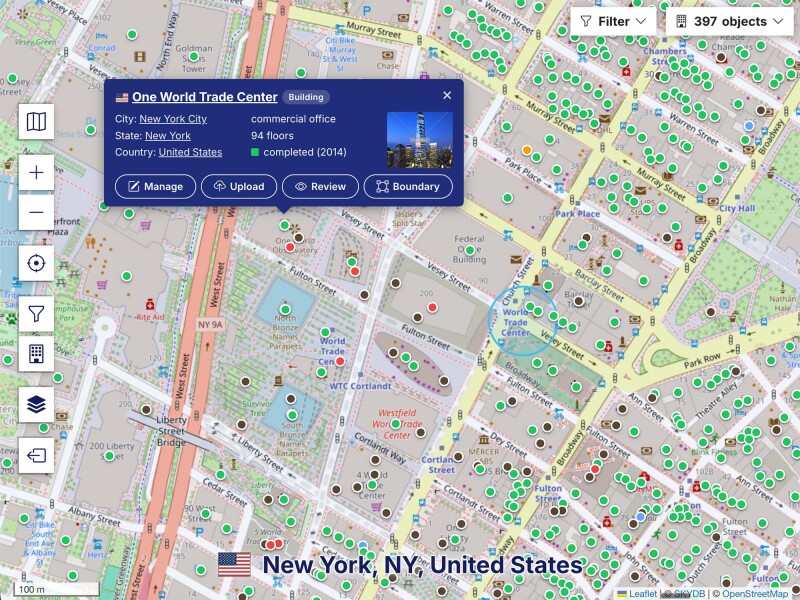
Step 1: To look up any listed building, search for it in the upper section of the webpage.
Step 2: Click on the building name, and on the building page click “upload photo to building.”
Step 3: The file upload tool will be displayed. Enter information about your photos, such as a description and/or categories. Click the button “Click here to browse your files” and select “Upload” to transfer the images.
Adding Buildings
As of 4 March 2023 it is not yet possible to add or edit building entries.